South African estate agents and property practitioners who list several properties a week and want a consistent, complete description every time.
How it works
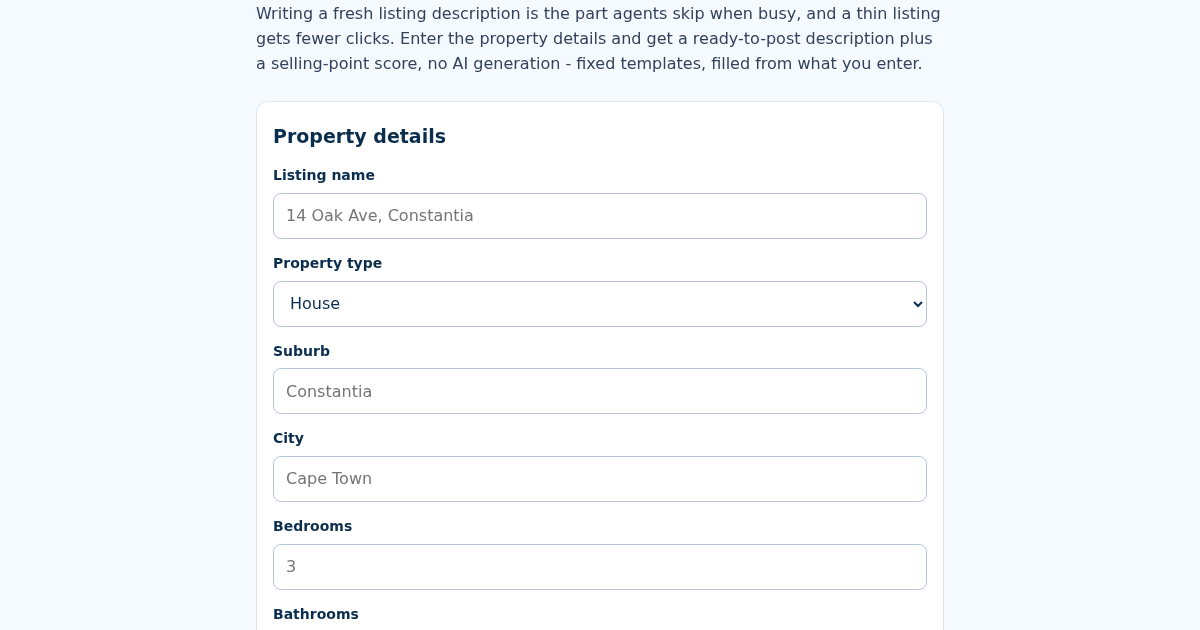
- Name this listing, e.g. "14 Oak Ave, Constantia".
- Enter the property type, suburb, city, bedrooms, bathrooms, size in square metres and price in Rand.
- Enter up to three selling features, one per line (e.g. pool, sea view, secure estate).
- Copy the generated description; the selling-point score shows what to add if it is low.
What you gain
- Turns structured property details (type, suburb, beds, baths, size, price, features) into a ready-to-post listing description - no free-text AI generation, fixed templates filled deterministically
- Selling-point score out of 100: 40 base plus 20 for each of up to 3 features listed, so an agent can see at a glance how thin a listing still is
- Price and size are always shown with the correct South African formatting (space as thousands separator, R prefix)
- Listings saved by name: recalculating updates the same listing, not a duplicate
Screenshot
Technical details
How to set up & use
- Buy the license — your key (lic_...) appears on the order page and in your email.
- Sign in at app.synoriaai.com with your license key.
- No installation — the product runs in your browser, on your own isolated instance.
- 1. Open the SAListing page and fill in the property details: name, suburb, city, bedrooms, bathrooms, size (in square meters), and price in Rand.
- 2. Optionally, list up to 3 standout features (e.g., pool, sea view) — one per line — to boost the selling-point score.
- 3. Click the 'Generate Listing' button.
- 4. Review the generated description and the selling-point score (out of 100) displayed on screen.
- 5. Save the listing by name; if you recalculate later, it updates the same saved listing instead of creating a duplicate.
Frequently asked questions
How is the selling-point score calculated?
The score starts at 40 base points and adds 20 points for each feature you list, up to a maximum of 3 features. So, with no features, the score is 40; with 3 features, it's 100.
Does this tool use AI to write descriptions?
No. It uses fixed templates filled deterministically from the details you enter. It does not generate free-text or creative content — it only formats your provided data into a listing description.
What data do you store about my listings?
Listings are saved locally by the name you provide, so you can update them later. We do not transmit or share your property data with third parties; it stays in your browser.
Related products
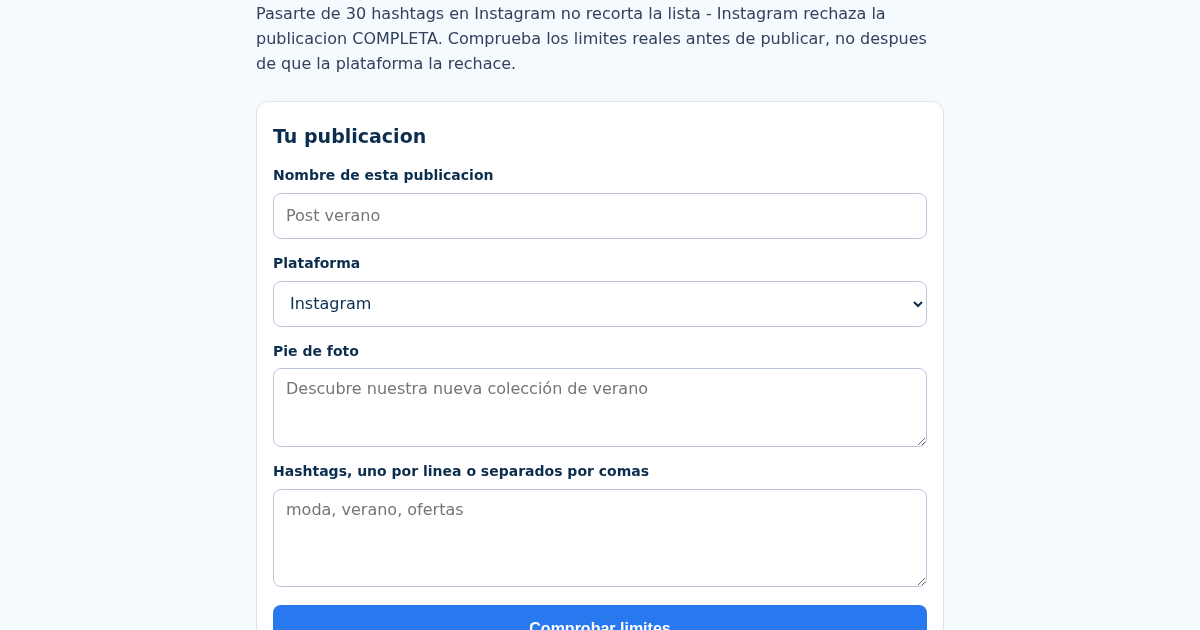
SocialCaption: Verificador de Límites de Caracteres y Hashtags para Instagram y TikTok
Pasarte de 30 hashtags en Instagram no recorta la lista - Instagram rechaza la publicacion completa, y muchos negocios lo descubren solo cuando el post no se publica. Introduce tu pie de foto, tus hashtags y la…
SocialCaption: Verificador de Límites de Caracteres y Hashtags para Instagram y TikTok
Pasarte de 30 hashtags en Instagram no recorta la lista - Instagram rechaza la publicacion completa, y muchos negocios lo descubren solo cuando el post no se publica. Introduce tu pie de foto, tus hashtags y la…
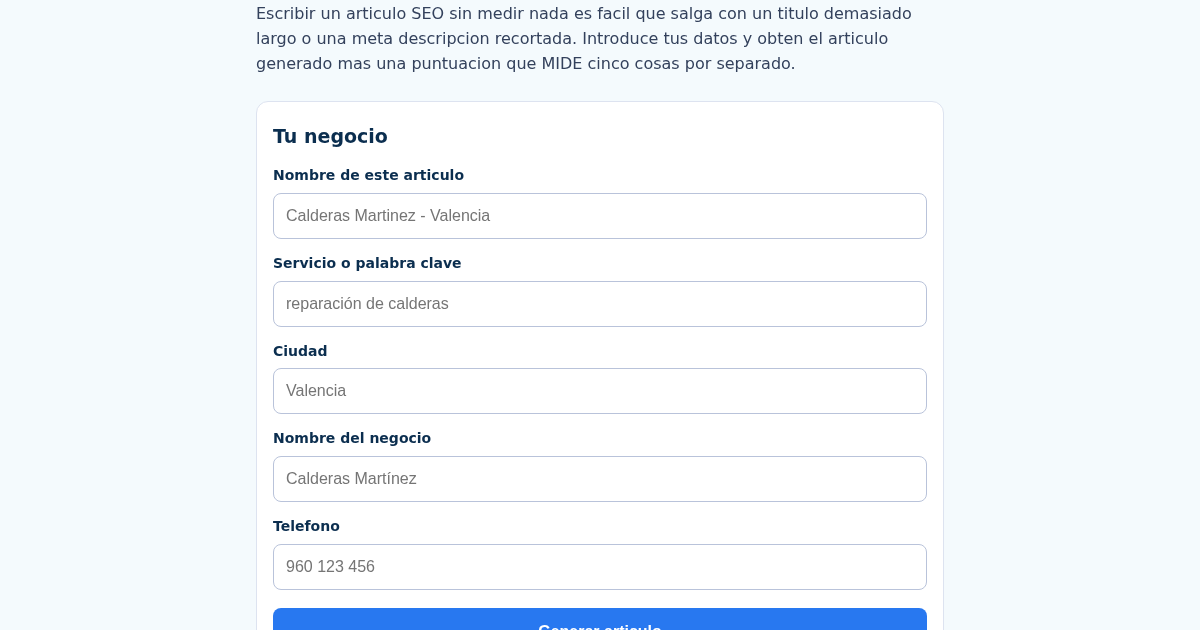
SEOLocal: Generador de Artículos SEO para Negocios Locales
Escribir un articulo SEO nuevo para cada negocio es lento, y sin medir nada es facil publicar un titulo demasiado largo o una meta descripcion que Google recorta. Introduce tu servicio, ciudad, nombre del negocio y…
SEOLocal: Generador de Artículos SEO para Negocios Locales
Escribir un articulo SEO nuevo para cada negocio es lento, y sin medir nada es facil publicar un titulo demasiado largo o una meta descripcion que Google recorta. Introduce tu servicio, ciudad, nombre del negocio y…